
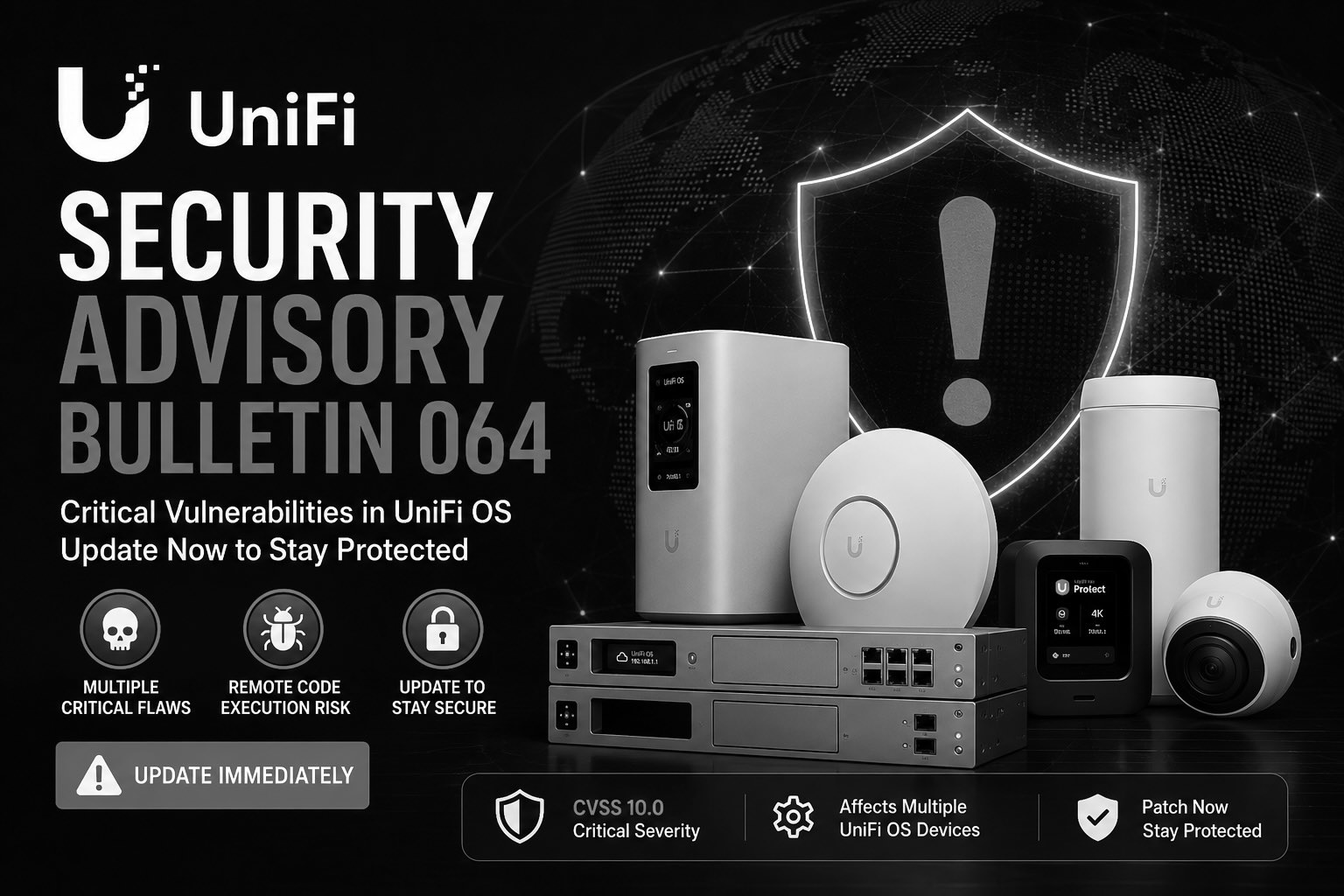
On May 21, Ubiquiti published Security Advisory Bulletin 064, and if you own any UniFi gateway, recorder, Cloud Key, or NAS, it deserves your attention this week — not next month. The bulletin describes five vulnerabilities across UniFi OS devices, two of which carry the most serious severity ratings the industry uses. One of them tops out at a perfect 10.0.
I want to walk through what's actually in this advisory in plain language, who's affected, and what to do about it. No fearmongering — just the facts and a clear path forward.
The short version
If you have a UniFi Dream Machine, Cloud Gateway, UNVR recorder, Cloud Key, or UNAS storage device, there's a good chance it's running software with a critical flaw. Ubiquiti has already shipped fixed versions for the entire affected lineup. The fix is a firmware update — in most cases a few clicks, or zero clicks if auto-updates are on. The job is making sure the update actually lands on every device, not assuming it did.
What the bulletin describes
Bulletin 064 covers five separate issues. Here's what each one means without the jargon.
CVE-2026-33000 — Command injection CVSS 9.1 CRITICAL
The headline flaw, and the one Ubiquiti named first. Improper input validation in UniFi OS can let an attacker who already has network access and high privileges run commands on the device itself. Translated: a sufficiently positioned attacker could get the device to execute their instructions rather than just yours. Ubiquiti credits the discovery to a researcher going by “V3rlust.”
CVE-2026-34908 — Improper access control CVSS 10.0 CRITICAL
Bulletin 064 rates at least one issue at a perfect CVSS 10.0, and this access-control flaw is it. The gap could let an actor with network access make unauthorized changes to the system. A 10.0 is as serious as the scale goes, which is the single best reason not to sit on this.
CVE-2026-34909 — Path traversal
This one could let an attacker with network access reach files on the underlying system — files that could then be manipulated to get at an underlying account. Path traversal is the classic “walk out of the folder you're supposed to be stuck in” class of bug.
CVE-2026-34910 — Command injection
Another input-validation problem that can lead to command execution when the device is reached over the network. Same family as CVE-2026-33000, separate finding.
CVE-2026-34911 — Path traversal / information disclosure LOW PRIVILEGE
Notably, this one only requires a low-privileged actor with network access to pull sensitive information out of underlying files. Lower bar to abuse than the command-injection issues, which is worth keeping in mind.
A common thread runs through all five: every one of them requires network access to exploit. Privilege requirements vary — CVE-2026-33000 needs high privileges, CVE-2026-34911 needs very little. As of the advisory, there's no public confirmation that any of these have been exploited in the wild. That's reassuring, but it's not a reason to wait. “Not yet exploited” and “critical, publicly documented, and patch available” is exactly the window attackers look for.
Why this matters more for UniFi than for most gear
A UniFi gateway isn't just another box on the network — it usually is the network. It's the router, the firewall, the VPN endpoint, the thing every other device trusts and routes through. On a lot of the small-business and home setups I work with, the UDM or Cloud Gateway sits at the dead center of everything. A critical flaw in a peripheral device is a problem. A critical flaw in the device that controls traffic for the whole site is a different category of problem.
That's the real takeaway from Bulletin 064. It's not that UniFi is uniquely insecure — every serious vendor ships advisories, and the fact that Ubiquiti disclosed clearly and shipped fixes across the whole product line on day one is what responsible disclosure is supposed to look like. It's that the placement of these devices raises the stakes on patching them quickly.
Is my device affected?
Two things determine your answer: your model and the version it's currently running. Here are the thresholds straight from the bulletin. If your device is at or below the listed version, it's affected and needs the update.
| Device(s) | Affected through | Update to |
|---|---|---|
| UniFi OS Server | 5.0.6 | 5.0.8+ |
| UCG-Industrial | 5.0.13 | 5.1.12+ |
| UDM, UDM-Pro, UDM-SE, UDM-Pro-Max, EFG, UDW, UDR, UDR7, Express 7, UNVR, UNVR-Pro, UNVR-Instant, ENVR, UCG-Ultra, UCG-Max, UCG-Fiber | 5.0.16 | 5.1.12+ |
| UDR-5G, ENVR-Core, UCKP, UCK, UCK-Enterprise | 5.0.17 | 5.1.12+ |
| UNVR-G2, UNVR-G2-Pro | 5.1.11 | 5.1.12+ |
| UNAS-2, UNAS-4, UNAS-Pro, UNAS-Pro-4, UNAS-Pro-8 | 5.1.8 | 5.1.10+ |
| UDM-Beast | 5.1.8 | 5.1.11+ |
If your model is on that list and your version is at or under the threshold, upgrade to the indicated release or newer. If you're already above it, you're clear on these particular CVEs.
What's in the fix beyond the security patch
The main remediation for most of the lineup is UniFi OS 5.1.12, and it's more than just a security band-aid. The release also adds the ability to revert applications and restore configuration backups, lets Super Admins restore local backups, improves system stability and device discovery, and hardens storage mounting. Practically speaking, this is a release you'd probably want anyway — the security fix just makes it urgent.
How to update
For most people this is genuinely simple:
- Open your UniFi console (the UniFi OS web UI or the mobile app).
- Go to Settings → System → Updates (or the console's update prompt).
- Check your current UniFi OS version against the table above.
- If an update is available and you're below the fixed version, apply it. Expect a reboot and a few minutes of downtime — plan it for off-hours if the network is in active use.
If auto-updates are enabled, the patch may have already installed itself. Don't assume — go confirm the version number. A setting that's supposed to have updated and a device that actually updated are not the same thing, and the gap between them is where risk lives.
If the update hasn't reached your console yet (the staged rollout), advanced users can update manually by grabbing the firmware link from community.ui.com/releases and applying it over SSH with ubnt-systool fwupdate. If that sentence sounds like a foreign language, don't — that's exactly the kind of thing to hand off rather than experiment with on your production gateway.
A few practical notes from the field
Back up before you patch. It's rare for a UniFi OS update to go sideways, but the gateway is the worst device on your network to have to rebuild from scratch. Take a config backup first. (Conveniently, improved backup/restore is part of this very release.)
Don't forget the devices nobody looks at. The UDM in the rack gets attention. The UNVR recorder in a closet, the Cloud Key on a shelf, the UNAS quietly holding backups — those are the ones running months-old firmware because no one ever opens their console. They're on the affected list too.
This is your reminder to check whether your gateway is exposed. Every one of these flaws needs network access. If your console's management interface is reachable from the open internet — rather than locked behind a VPN or restricted to the LAN — that's worth revisiting regardless of this specific advisory.
The bottom line
Bulletin 064 is a serious, credible advisory: two critical-rated flaws including a perfect 10.0, fixes shipped across the full device range, and no good reason to delay. The action is straightforward — confirm your version, update to the fixed release, verify it landed. The hard part isn't the patch; it's making sure it happens consistently across every device, including the ones gathering dust.
Want to be certain your UniFi gear is patched?
If you'd rather not audit your own gear — or you're responsible for a site with a dozen UniFi devices and want to know for certain every one is patched, backed up, and properly locked down — this is exactly the kind of thing I handle for clients. Patching the gateway is five minutes. Knowing the whole environment is actually secure is the part worth getting right.
Get in touch →